$npx @mcpflo/server-everything

A direct, deterministic way to call any tool, read any resource, or render any prompt — with the raw request and response in front of you. No model in the loop. No tokens spent.

ready·v0.1.0·macOS·132.5 MB
json-rpc · stdioconnected
→ tools/call { "method": "tools/call", "params": { "name": "create_entities", "arguments": { "entities": [ ] } } } ← result 142ms { "content": [{ "type": "text", "text": "Created 3 entities." }], "isError": false }

$ every request and response, in full
MCPFloconnected
MCPFlo testing search_repositories against the GitHub MCP server

# three ways to call a tool

[BEFORE] Wrote throwaway script. Called tool once. Threw it away.
[BEFORE] Opened an AI client. Waited 4s. Model called the wrong tool.
[MCPFLO] tools/call create_entities → 200 OK 142ms. Done.

~/features

Everything you need to test an MCP server by hand.

tools/call

Tool execution

[MCPFLO] tools/call create_entities → 200 OK 142ms content: [{ type: "text", text: "Created 3 entities" }]

Invoke a tool and inspect exactly what came back — text, JSON, images, or mixed content, plus the raw request and response.

input schema

Schema-driven tool forms

JSON Schema → Form ───────────────── ─────────────── "name": string Name [________] "count": number Count [________] "tags": array Tags [+] item

Inputs auto-generated from a tool's JSON Schema — nested objects and arrays, live validation, and a raw-JSON toggle when you'd rather type it directly.

notifications/progress

Live notifications

stream status ───────────────── ─────────────── progress 3/5 ▓▓▓▓░░ log info "indexing…" log info "done"

Progress updates and log messages captured in real time while a call is in flight.

elicitation/create

Elicitation

tool asks → you answer ───────────────── ─────────────── "confirm": bool [x] yes "reason": string [________] ↳ continue resume call

When a tool asks for more input mid-call, MCPFlo renders the schema as a form. Answer and continue.

sampling/createMessage

Sampling

server asks you answer ───────────────── ─────────────── messages: [...] Assistant reply model: ? [________] model: mcpflo-manual

When a server asks for a model completion, you write the reply by hand — no model call, no tokens spent.

context budget

Context budget

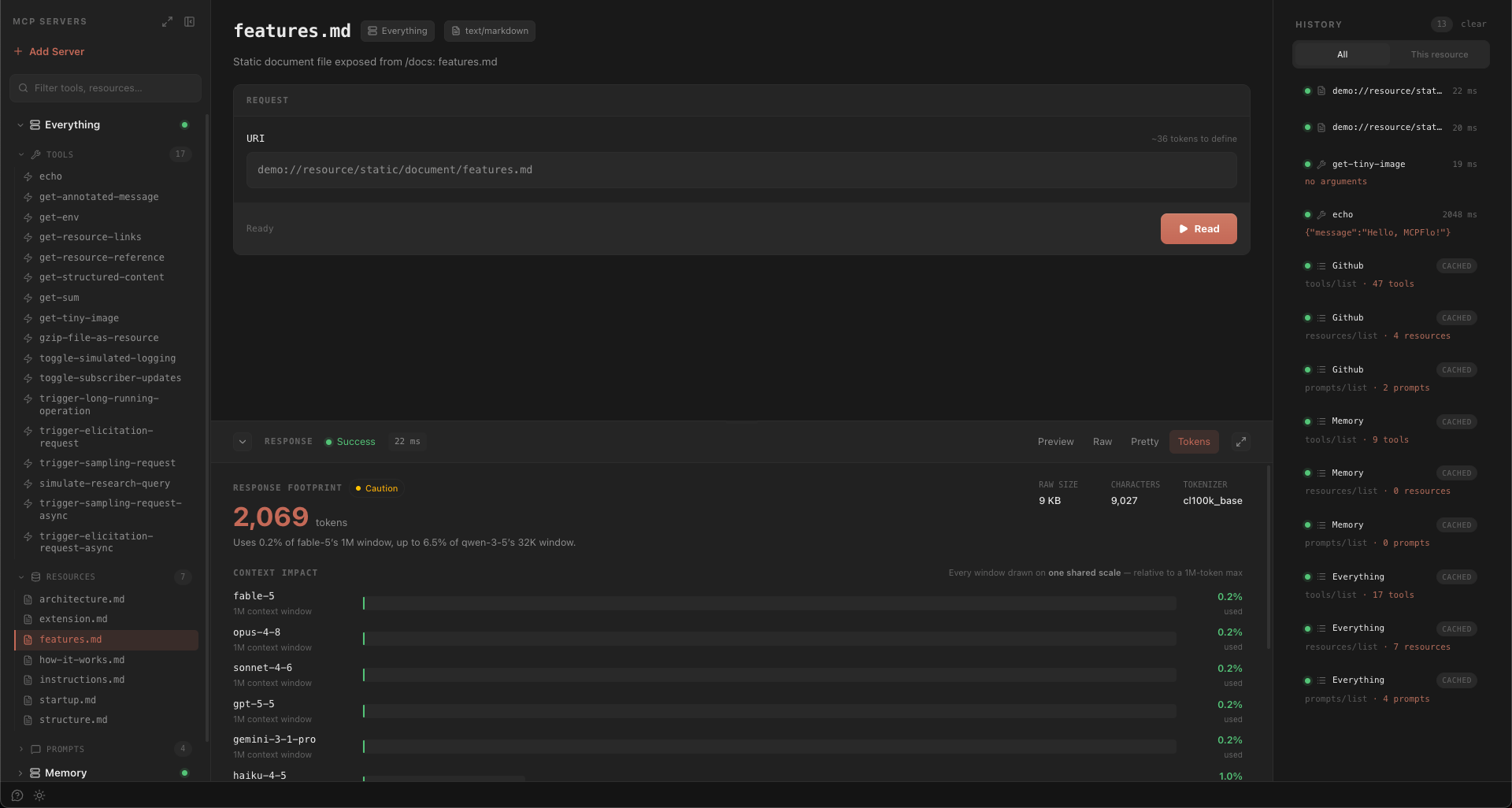
Tools 12 items 8.4K tok 34% Resources 6 items 3.1K tok 13% Prompts 4 items 2.0K tok 8% ───────────────── ─────────────── Total 13.5K tok 3% of 400K

Every server shows an estimated token cost, broken down by tools, resources, and prompts — so you know how much of a model's context window it would eat before you ever wire it in.

Your first call in 3 steps

01

Add your server

{ "transport": "stdio", "command": "npx", "args": ["-y", "my-mcp-server"] }

02

MCPFlo connects

connected 3 tools found 2 resources 1 prompt

03

Call a tool

→ tools/call "name": "search" 200 OK 38ms